BLOG: FIELD NOTES
Zapier vs Make for Shopify: Which One Should You Use?
Both Zapier and Make connect Shopify to the rest of your tools. They count usage differently, handle complex rules differently, and suit different teams. Here is how to choose, with an example that uses real order volumes.
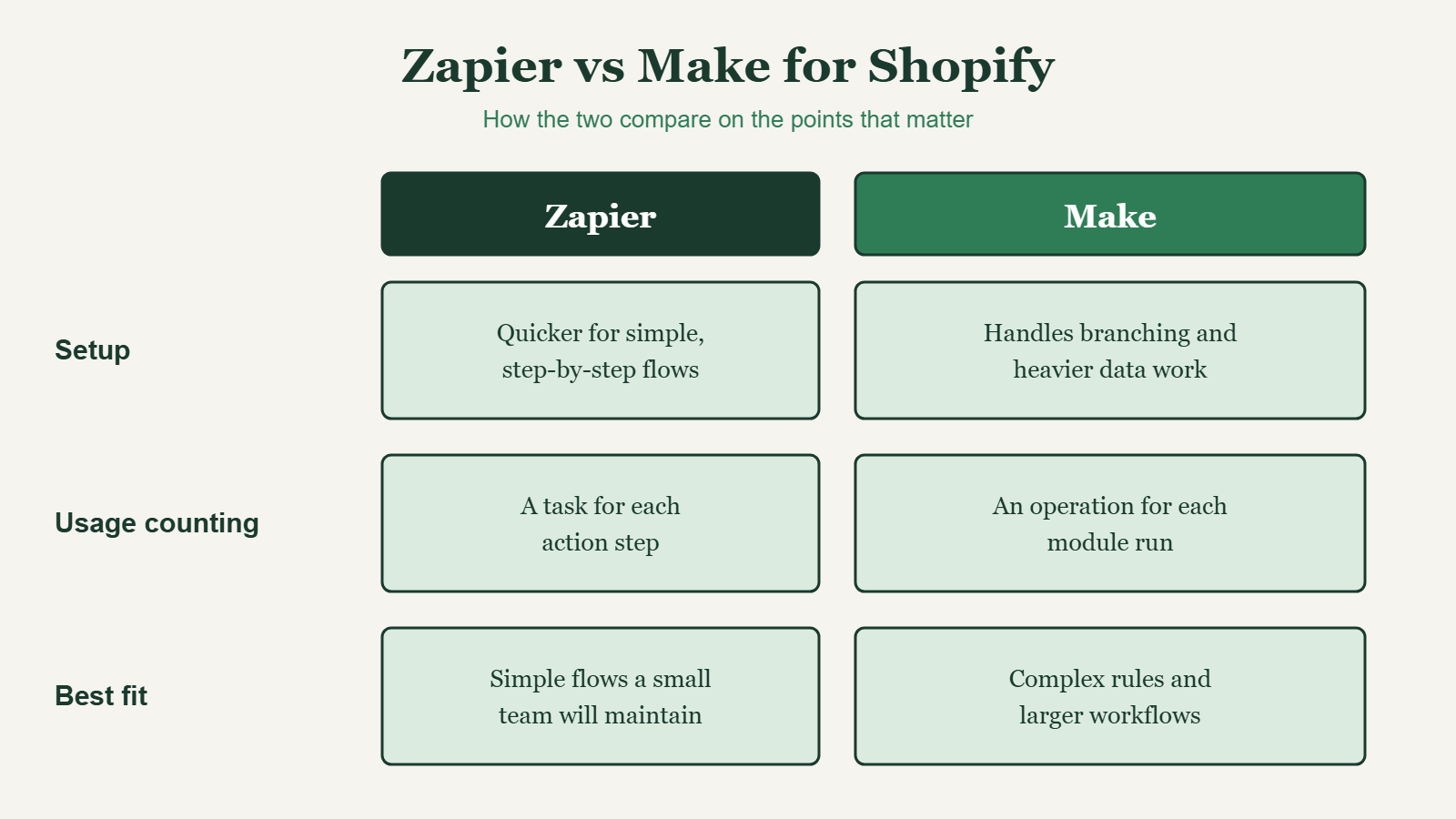
FIG. 00: How the two compare on setup, usage counting, and fit.
QUICK ANSWER
Should you use Zapier or Make for Shopify?
Use Zapier if your workflows are simple and step-by-step and a non-technical team will maintain them. Use Make if you need branching logic, heavier data handling, or large volumes where the cost per step matters. Both connect to Shopify, so decide based on your order volume, how complex your rules are, and who will maintain the workflows.
How do Zapier and Make count usage?
Zapier counts a task for each action step. Make counts an operation for each module run. This matters because a workflow with many steps multiplies fast. As an example, 1,500 orders a day at 8 steps each is 12,000 operations in one day. That is an example calculation, not a client result. Check each platform’s current plans and limits before you commit, because pricing changes.
Zapier vs Make: the main differences
| Factor | Zapier | Make |
|---|---|---|
| Setup | Quicker for simple, step-by-step flows | More to learn, built for branching and data work |
| Branching and data handling | Filters and paths for common cases | Routers and detailed control over data between steps |
| How usage is counted | A task for each action step | An operation for each module run |
| Cost at scale | Depends on steps and volume | Can cost less on larger workflows |
| Best fit | Simple flows a small team will maintain | Complex rules and larger workflows |
When should you choose Zapier?
- You want a workflow running in an afternoon.
- Your flow is a straight line: a trigger, a filter, and a few actions.
- The person who will maintain it is not technical.
- Your order volume is low enough that per-step counting will not hurt.
When should you choose Make?
- You need multi-step conditional routing, such as different paths by destination, order value, or product.
- You need to reshape data, for example JSON parsing or lookup tables.
- Your order volume is high and every extra step adds cost.
- You want one scenario to do the work of several separate automations.
What does a Shopify automation look like in either tool?
- Trigger. A paid order arrives through the Shopify trigger or a webhook.
- Duplicate check. Look up the order ID in a lookup table so a repeated message does not create a second record.
- Routing. Check destination, order value, product, and customer type, then pick the right path.
- Records. Create or update the contact and deal in your CRM, such as HubSpot, and tag the order.
- Error alert. If any step fails, send the order details to a person.
Either tool can do all five. The difference is how much effort each step takes and what it costs to run. For a list of workflows to build first, read my Black Friday 2026 Shopify automation checklist. If webhooks are new to you, start with what a webhook is, with a Shopify example.
What mistakes should you avoid with either tool?
- No duplicate check. Webhooks can arrive more than once.
- No error alert. A broken workflow that nobody sees costs more than no workflow.
- Too many steps per order. Each step adds cost and a place to fail.
- No documentation. If only one person knows how it works, it is a risk.
- No owner. Decide who maintains it before you build it.
How do you decide in ten minutes?
- Estimate your orders per day.
- Count the steps in your workflow.
- Multiply the two to see your daily usage.
- List your rules and note whether any need branching.
- Decide who will maintain it, then pick the tool that fits that person and that volume.
Frequently asked questions
Is Zapier or Make cheaper for Shopify?
It depends on how many steps each workflow has and how many orders you process. Make can cost less on larger workflows. Compare both using your own numbers: orders per day multiplied by steps per order.
Can I use both Zapier and Make?
Yes, but you will have two systems to monitor and document. Most small teams do better with one tool unless there is a clear reason to split the work.
Which is better for beginners?
Zapier is quicker to set up for simple, step-by-step workflows, so it is usually the easier start.
Do I need to code to use either one?
Not for most Shopify workflows. Knowing how webhooks and JSON work helps when you build custom connections.
Can a virtual assistant manage Zapier or Make?
Yes. A virtual assistant can build, monitor, and fix workflows, and keep the documentation current. See my Zapier and Make automation work.
NEED HELP CHOOSING?
Get your Shopify workflows built on the right tool
I build and maintain Shopify automations in Zapier and Make, with a duplicate check and an error alert in every workflow.